



Supabase is an open source Firebase alternative. We're building the features of Firebase using enterprise-grade open source tools.
- Hosted Postgres Database. Docs
- Authentication and Authorization. Docs
- Auto-generated APIs.
- Functions.
- File Storage. Docs
- AI + Vector/Embeddings Toolkit. Docs
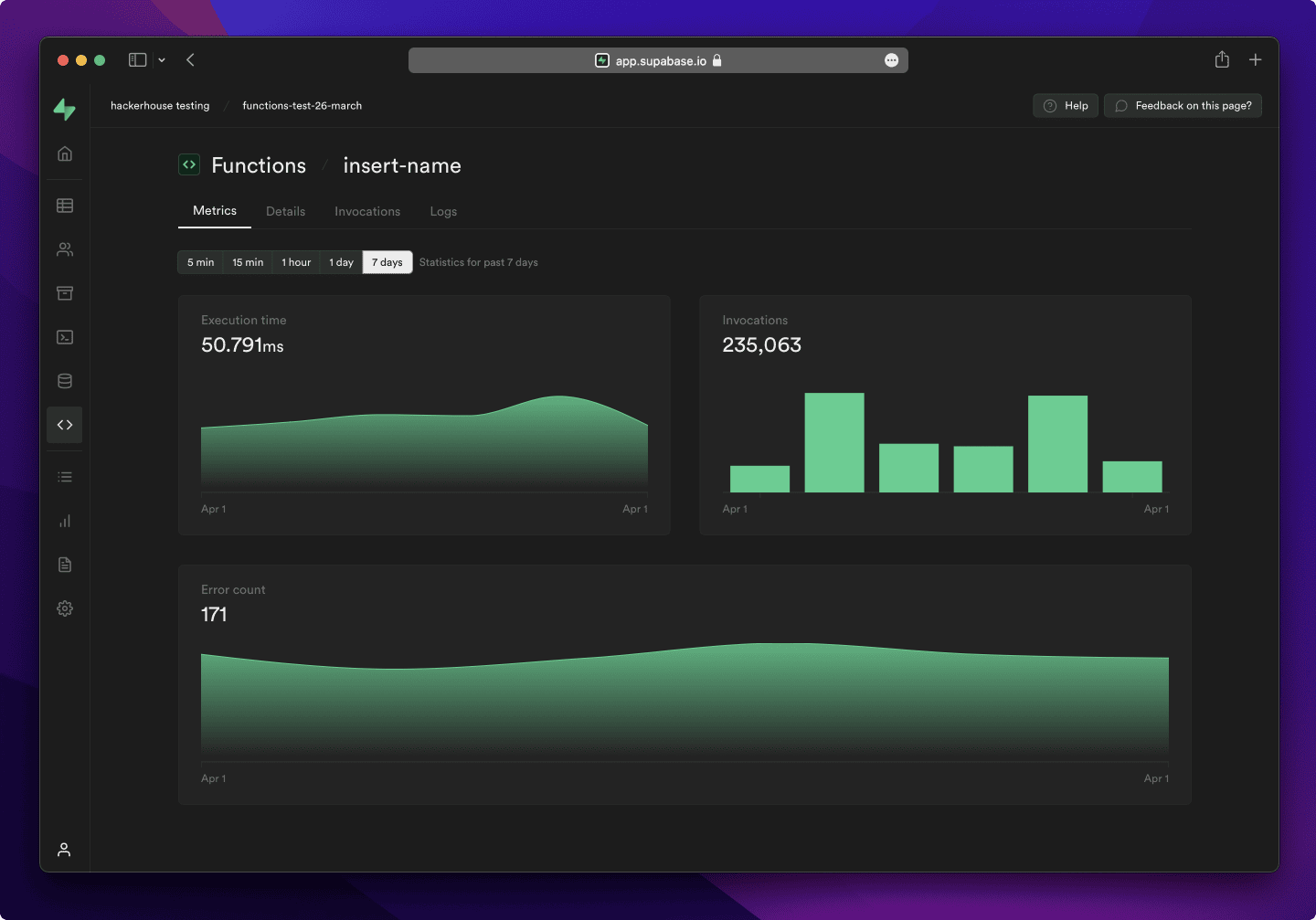
- Dashboard
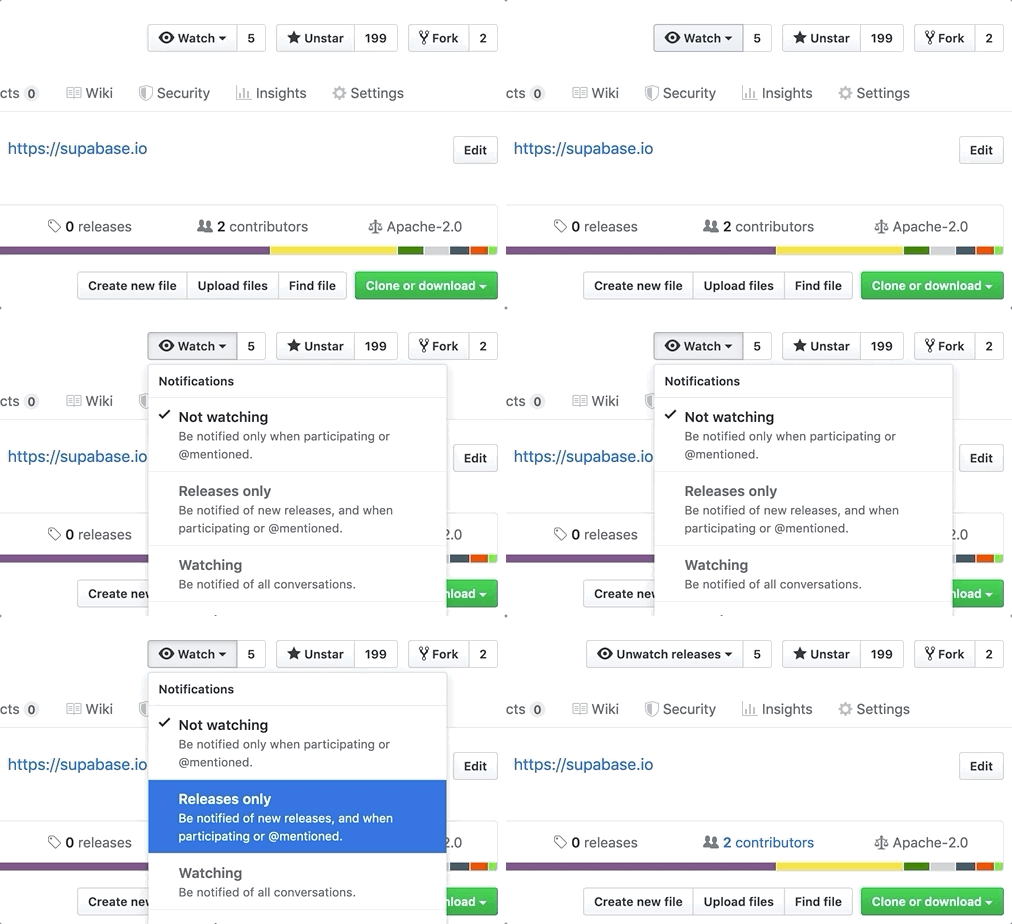
Watch "releases" of this repo to get notified of major updates.
For full documentation, visit supabase.com/docs
To see how to Contribute, visit Getting Started
- Community Forum. Best for: help with building, discussion about database best practices.
- GitHub Issues. Best for: bugs and errors you encounter using Supabase.
- Email Support. Best for: problems with your database or infrastructure.
- Discord. Best for: sharing your applications and hanging out with the community.
Supabase is a combination of open source tools. We're building the features of Firebase using enterprise-grade, open source products. If the tools and communities exist, with an MIT, Apache 2, or equivalent open license, we will use and support that tool. If the tool doesn't exist, we build and open source it ourselves. Supabase is not a 1-to-1 mapping of Firebase. Our aim is to give developers a Firebase-like developer experience using open source tools.
Architecture
Supabase is a hosted platform. You can sign up and start using Supabase without installing anything. You can also self-host and develop locally.

- Postgres is an object-relational database system with over 30 years of active development that has earned it a strong reputation for reliability, feature robustness, and performance.
- Realtime is an Elixir server that allows you to listen to PostgreSQL inserts, updates, and deletes using websockets. Realtime polls Postgres' built-in replication functionality for database changes, converts changes to JSON, then broadcasts the JSON over websockets to authorized clients.
- PostgREST is a web server that turns your PostgreSQL database directly into a RESTful API.
- GoTrue is a JWT-based authentication API that simplifies user sign-ups, logins, and session management in your applications.
- Storage a RESTful API for managing files in S3, with Postgres handling permissions.
- pg_graphql a PostgreSQL extension that exposes a GraphQL API.
- postgres-meta is a RESTful API for managing your Postgres, allowing you to fetch tables, add roles, and run queries, etc.
- Kong is a cloud-native API gateway.
Our approach for client libraries is modular. Each sub-library is a standalone implementation for a single external system. This is one of the ways we support existing tools.
| Language | Client | Feature-Clients (bundled in Supabase client) | ||||
|---|---|---|---|---|---|---|
| Supabase | PostgREST | GoTrue | Realtime | Storage | Functions | |
| ⚡️ Official ⚡️ | ||||||
| JavaScript (TypeScript) | supabase-js | postgrest-js | gotrue-js | realtime-js | storage-js | functions-js |
| Flutter | supabase-flutter | postgrest-dart | gotrue-dart | realtime-dart | storage-dart | functions-dart |
| Swift | supabase-swift | postgrest-swift | auth-swift | realtime-swift | storage-swift | functions-swift |
| Python | supabase-py | postgrest-py | gotrue-py | realtime-py | storage-py | functions-py |
| 💚 Community 💚 | ||||||
| C# | supabase-csharp | postgrest-csharp | gotrue-csharp | realtime-csharp | storage-csharp | functions-csharp |
| Go | - | postgrest-go | gotrue-go | - | storage-go | functions-go |
| Java | - | - | gotrue-java | - | storage-java | - |
| Kotlin | supabase-kt | postgrest-kt | auth-kt | realtime-kt | storage-kt | functions-kt |
| Ruby | supabase-rb | postgrest-rb | - | - | - | - |
| Rust | - | postgrest-rs | - | - | - | - |
| Godot Engine (GDScript) | supabase-gdscript | postgrest-gdscript | gotrue-gdscript | realtime-gdscript | storage-gdscript | functions-gdscript |

[](https://supabase.com)
<a href="https://supabase.com">
  <img
    width="168"
    height="30"
    src="https://supabase.com/badge-made-with-supabase.svg"
    alt="Made with Supabase"
  />
</a>

[](https://supabase.com)
<a href="https://supabase.com">
  <img
    width="168"
    height="30"
    src="https://supabase.com/badge-made-with-supabase-dark.svg"
    alt="Made with Supabase"
  />
</a>
- Arabic | العربية
- Albanian / Shqip
- Bangla / বাংলা
- Bulgarian / Български
- Catalan / Català
- Czech / čeština
- Danish / Dansk
- Dutch / Nederlands
- English
- Estonian / eesti keel
- Finnish / Suomalainen
- French / Français
- German / Deutsch
- Greek / Ελληνικά
- Gujarati / ગુજરાતી
- Hebrew / עברית
- Hindi / हिंदी
- Hungarian / Magyar
- Nepali / नेपाली
- Indonesian / Bahasa Indonesia
- Italiano / Italian
- Japanese / 日本語
- Korean / 한국어
- Lithuanian / lietuvių
- Latvian / latviski
- Malay / Bahasa Malaysia
- Norwegian (Bokmål) / Norsk (Bokmål)
- Persian / فارسی
- Polish / Polski
- Portuguese / Português
- Portuguese (Brazilian) / Português Brasileiro
- Romanian / Română
- Russian / Pусский
- Serbian / Srpski
- Sinhala / සිංහල
- Slovak / slovenský
- Slovenian / Slovenščina
- Spanish / Español
- Simplified Chinese / 简体中文
- Swedish / Svenska
- Thai / ไทย
- Traditional Chinese / 繁體中文
- Turkish / Türkçe
- Ukrainian / Українська
- Vietnamese / Tiếng Việt
- List of translations
cd docker
cp .env.example .env
# 编辑 .env 文件设置你的密钥
docker compose up -d
cd supabase-project
# .env 文件已配置好安全密钥
docker compose up -d
- Supabase Studio (管理界面): http://localhost:3000
- API Gateway: http://localhost:8000
- 数据库: localhost:5432
- Studio 用户名: supabase
- Studio 密码: this_password_is_insecure_and_should_be_updated
- 数据库用户: postgres
- 数据库密码: 见 .env 文件中的 POSTGRES_PASSWORD
两个配置的主要差异:
docker/- 开发环境配置,健康检查较宽松supabase-project/- 生产环境配置,健康检查更严格,包含启动缓冲时间
如果遇到 Docker 守护进程连接问题:
- 确保 Docker Desktop 正在运行
- 检查 Docker 服务状态:
systemctl status docker - 重启 Docker 服务:
sudo systemctl restart docker
如果 Studio 界面无法访问:
- 确保已修复 docker-compose.yml 中 studio 服务的端口映射
- 重启服务:
docker compose down && docker compose up -d - 等待所有服务完全启动(约2-3分钟)
- 访问 http://localhost:3000
服务按以下顺序启动,请耐心等待:
- vector, db (数据库)
- analytics (分析服务)
- auth, rest, meta, kong (核心API服务)
- studio (管理界面) - 最后启动
关键环境变量已配置:
POSTGRES_PASSWORD: 数据库密码JWT_SECRET: JWT 签名密钥ANON_KEY: 匿名访问密钥SERVICE_ROLE_KEY: 服务角色密钥
