
master





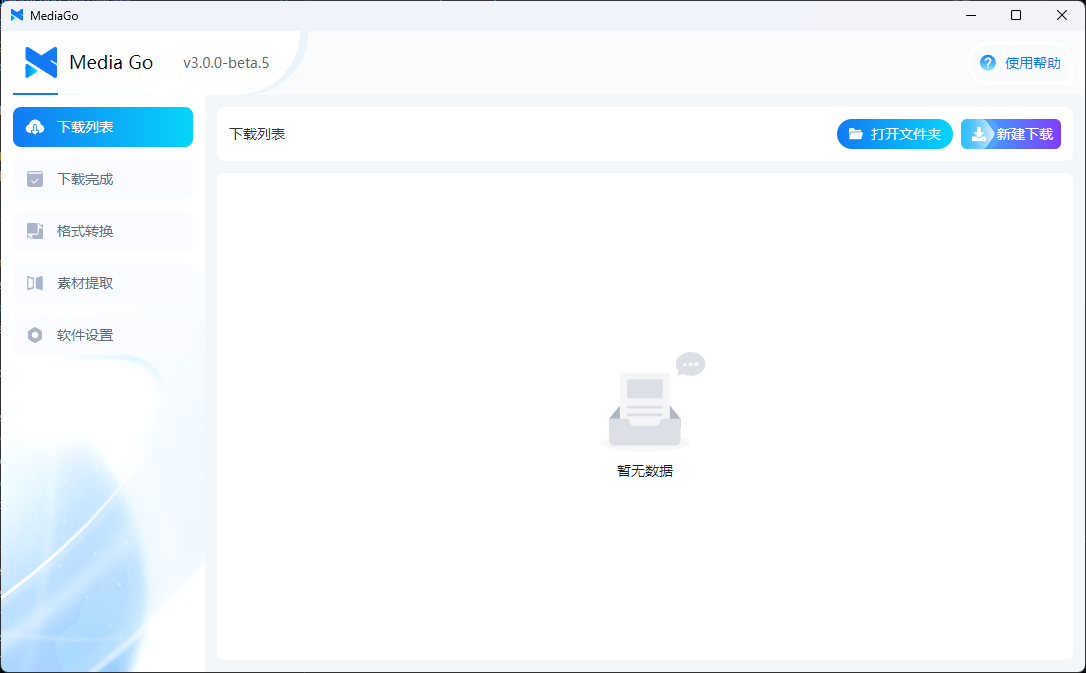
This project supports m3u8 video extraction tools, streaming media download, and m3u8 download.
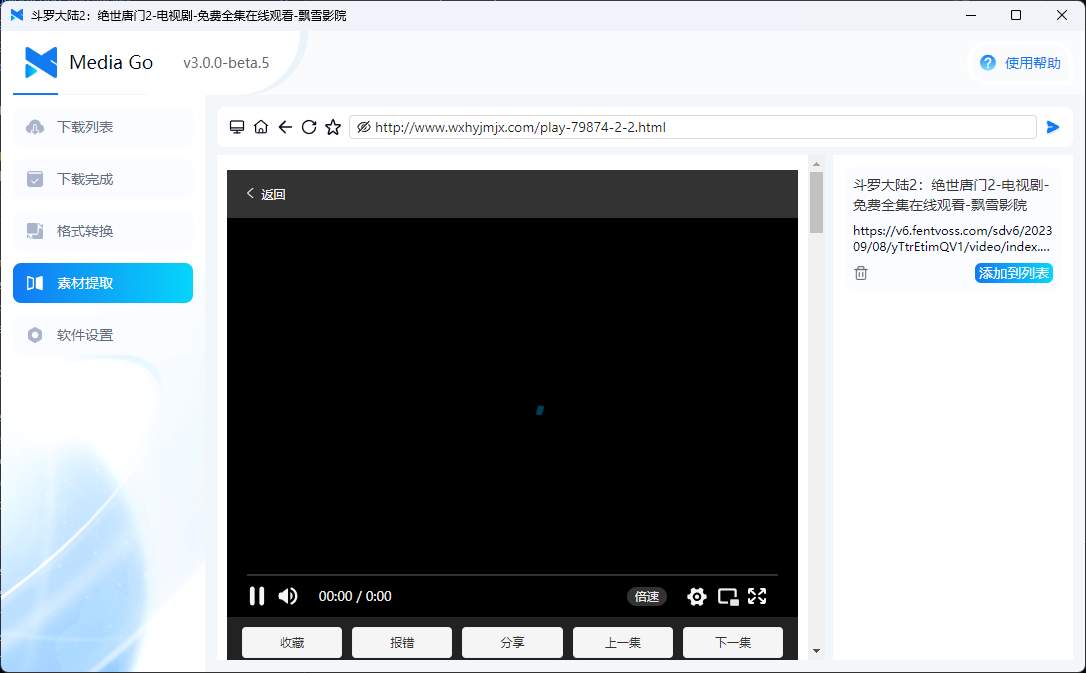
- ✅ No need to capture packets: You can easily sniff video resources on web pages using the built-in browser. Choose the resource you want to download from the sniffed resource list—simple and fast.
- 📱 Mobile playback: Easily switch between PC and mobile devices seamlessly. Once downloaded, you can watch the video on your phone.
- ⚡️ Batch download: Supports downloading multiple videos and live streams simultaneously, ensuring high bandwidth is fully utilized.
- 🎉 Docker deployment supported: Supports Docker deployment for the web version, making it convenient and quick.
To run the code, you'll need Node.js and pnpm. Node.js can be downloaded and installed from the official website, and pnpm can be installed via npm i -g pnpm.
# Code download
git clone https://github.com/caorushizi/mediago.git

# Installation dependency
pnpm i

# Development environment
pnpm dev

# Package run
pnpm release

# Build a docker image
docker buildx build -t caorushizi/mediago:latest .

# docker startup
docker run -d --name mediago -p 8899:8899 -v /root/mediago:/root/mediago registry.cn-beijing.aliyuncs.com/caorushizi/mediago
- 【mediago】 Windows (Installer) v3.0.0
- 【mediago】 Windows (Portable) v3.0.0
- 【mediago】 macOS ARM64 (Apple Silicon) v3.0.0
- 【mediago】 macOS x64 (Intel) v3.0.0
- 【mediago】 Linux v3.0.0
- 【mediago】 Docker v3.0
docker run -d --name mediago -p 8899:8899 -v /root/mediago:/root/mediago registry.cn-beijing.aliyuncs.com/caorushizi/mediago:v3.0.0
- 【mediago】 Windows (Installer) v3.0.0
- 【mediago】 Windows (Portable) v3.0.0
- 【mediago】 macOS ARM64 (Apple Silicon) v3.0.0
- 【mediago】 macOS x64 (Intel) v3.0.0
- 【mediago】 Linux v3.0.0
- 【mediago】 Docker v3.0
docker run -d --name mediago -p 8899:8899 -v /root/mediago:/root/mediago registry.cn-beijing.aliyuncs.com/caorushizi/mediago:v3.0.0
- Install the BT Panel by visiting BT Panel and downloading the official version script.
- After installation, log into the BT Panel, click on
Dockerin the menu bar. The first time you enter, it will prompt you to install theDockerservice. Click to install and follow the instructions to complete the installation. - Once installed, find
MediaGoin the application store, click install, configure domain names, and other basic information to complete the installation.
- Support for Docker deployment on the web version
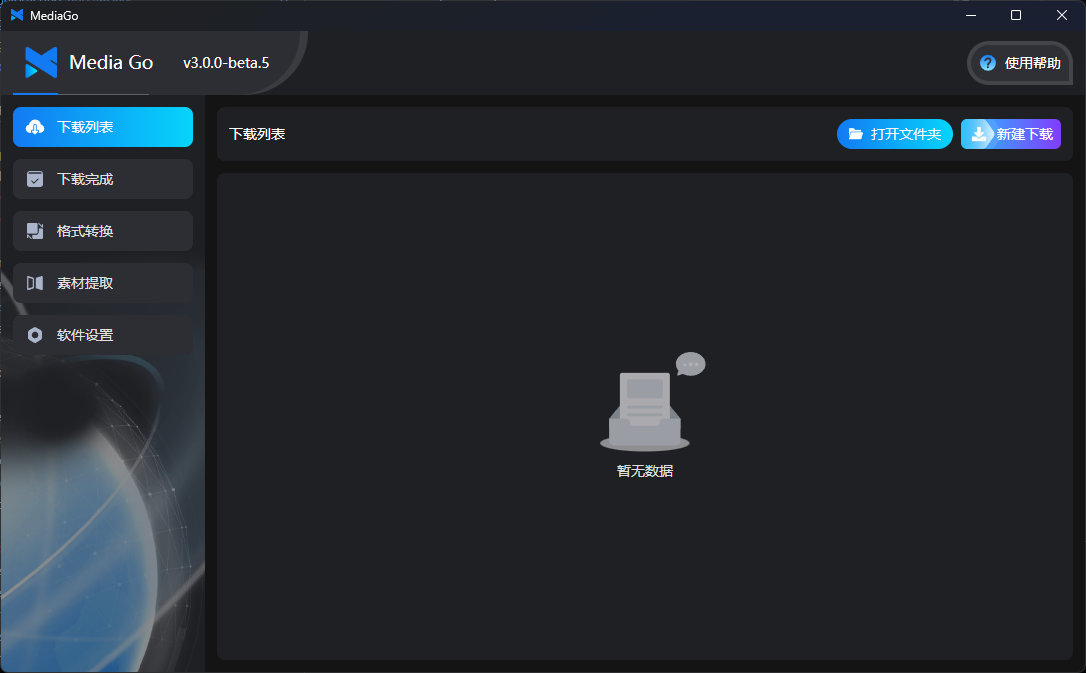
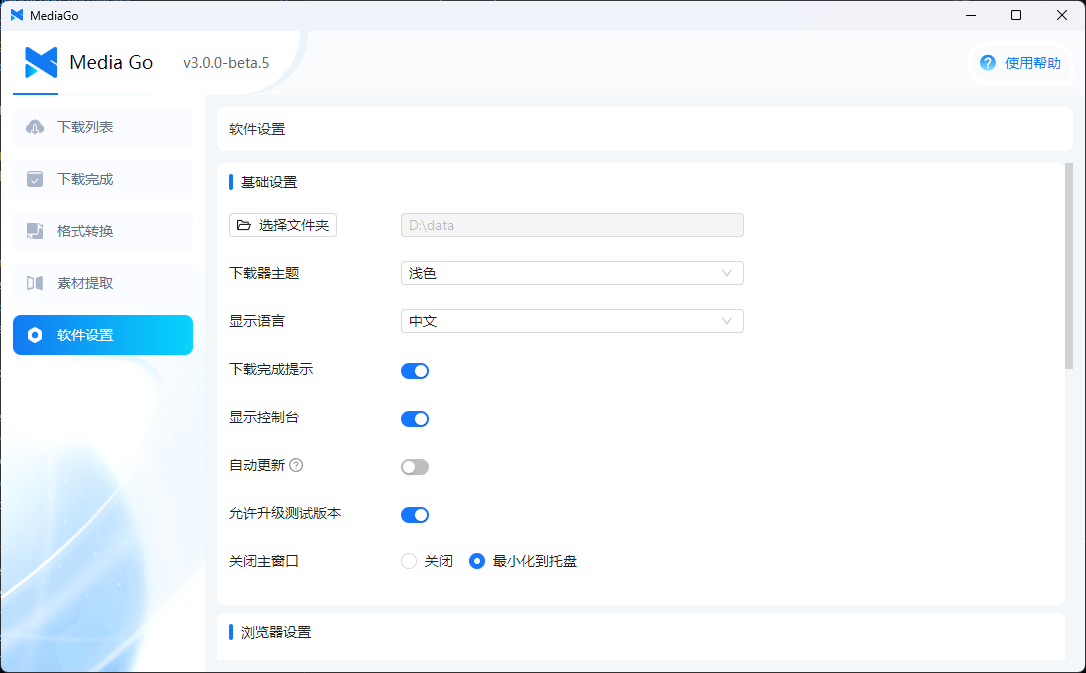
- Updated desktop UI
- Updated desktop UI
- Support for Docker deployment on the web version
- Added video playback, supporting both desktop and mobile playback
- Fixed issue where the macOS version couldn't display the interface
- Optimized the batch download interaction
- Added portable version for Windows (no installation required)
- Optimized the download list, supporting sniffing multiple videos on a page
- Supported manual import/export of the favorites list
- Supported export of the homepage download list
- Optimized the interaction logic for the "New Download" form
- Supported opening the app via UrlScheme and adding download tasks
- Fixed several bugs and enhanced the user experience
- React https://react.dev/
- Electron https://www.electronjs.org
- Koa https://koajs.com
- Vite https://cn.vitejs.dev
- Ant Design https://ant.design
- Tailwind CSS https://tailwindcss.com
- Shadcn https://ui.shadcn.com/
- Inversify https://inversify.io
- TypeORM https://typeorm.io
- N_m2u8DL-CLI from https://github.com/nilaoda/N_m3u8DL-CLI
- N_m3u8DL-RE from https://github.com/nilaoda/N_m3u8DL-RE
- mediago from https://github.com/caorushizi/hls-downloader
35/F,Tencent Building,Kejizhongyi Avenue,Nanshan District,Shenzhen
