



在 GitHub 点击右上角 ⭐ Star 以支持我在空闲时间继续开发
由于 GitHub 限制浏览器语言为中文(Accept-Language=zh-CN) 访问 *.githubusercontent.com ,图标可能无法正常显示。
NPS 是一款轻量高效的内网穿透代理服务器,支持多种协议(TCP、UDP、HTTP、HTTPS、SOCKS5 等)转发。它提供直观的 Web 管理界面,使得内网资源能安全、便捷地在外网访问,同时满足多种复杂场景的需求。
由于NPS停更已久,本仓库整合社区更新二次开发而来。
- 提问前请先查阅: 文档 与 Issues
- 欢迎参与: 提交 PR、反馈问题或建议,共同推动项目发展。
- 讨论交流: 加入 Telegram 交流群 与其他用户交流经验。
- Android: djylb/npsclient
- OpenWrt: djylb/nps-openwrt
- Mirror: djylb/nps-mirror
-
多协议支持
TCP/UDP 转发、HTTP/HTTPS 转发、HTTP/SOCKS5 代理、P2P 模式、Proxy Protocol支持、HTTP/3支持等,满足各种内网访问场景。 -
跨平台部署
支持 Linux、Windows 等主流平台,可轻松安装为系统服务。 -
Web 管理界面
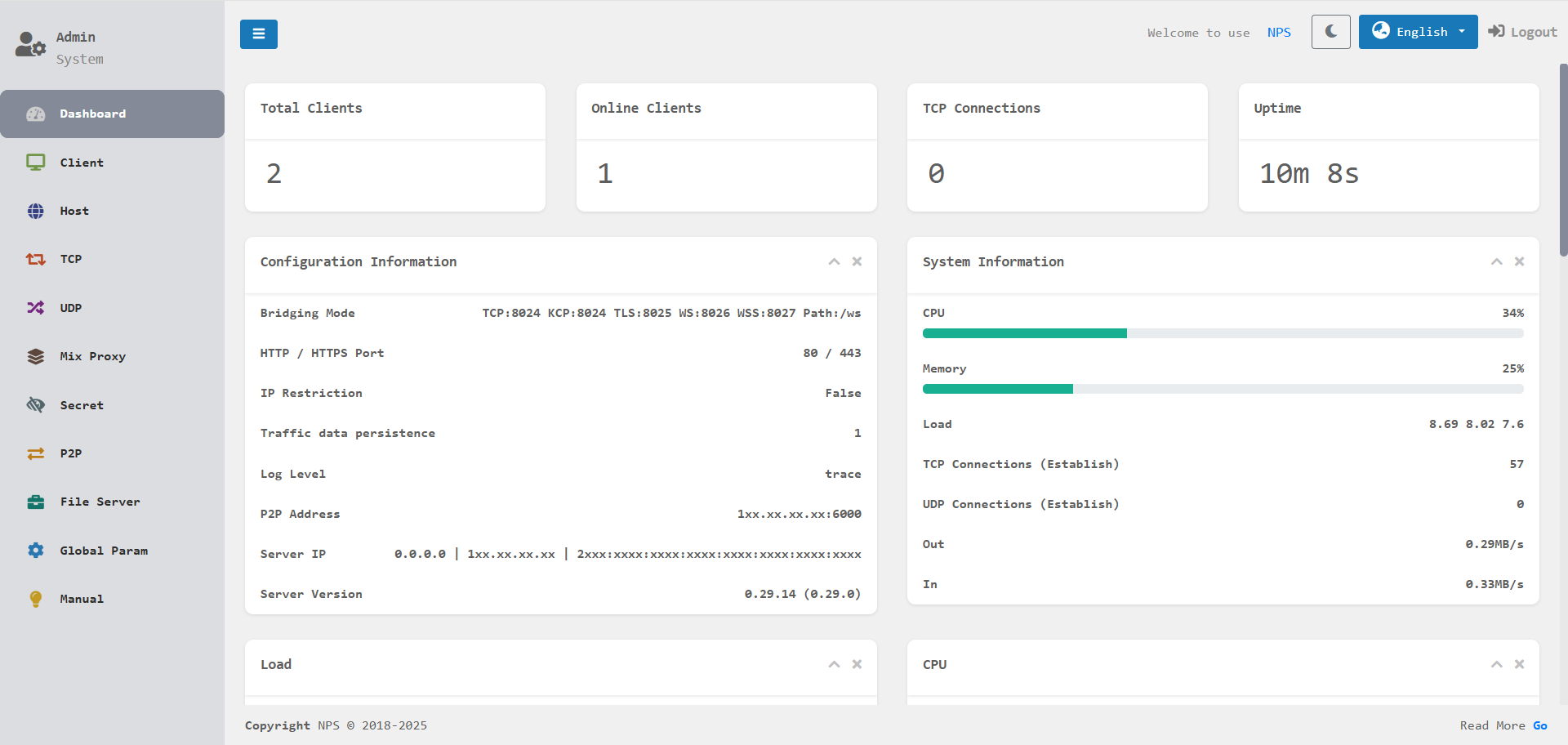
实时监控流量、连接情况以及客户端状态,操作简单直观。 -
安全与扩展
内置加密传输、流量限制、到期限制、证书管理续签等多重功能,保障数据安全。 -
多连接协议
支持 TCP、KCP、TLS、QUIC、WS、WSS 协议连接服务器。
更多详细配置请参考 文档(部分内容可能未更新)。
有真实IP获取需求可配合 mmproxy 使用。例如:SSH
docker pull duan2001/nps
docker run -d --restart=always --name nps --net=host -v $(pwd)/conf:/conf -v /etc/localtime:/etc/localtime:ro duan2001/nps
提示: NPS 安装完成后,请先修改
nps.conf(如监听端口、Web 管理账号等)再启动服务。
docker pull duan2001/npc
docker run -d --restart=always --name npc --net=host duan2001/npc -server=xxx:123,yyy:456 -vkey=key1,key2 -type=tls,tcp -log=off
提示:
-server、-vkey、-type等参数请从 NPS Web 管理端的客户端页面复制,避免手动填写错误。
# 安装(默认配置路径:/etc/nps/;二进制文件路径:/usr/bin/)
wget -qO- https://fastly.jsdelivr.net/gh/djylb/nps@master/install.sh | sudo sh -s nps
nps install
nps start|stop|restart|uninstall

# 更新
nps update && nps restart
提示: 首次安装后请先编辑
/etc/nps/nps.conf,确认配置无误后再执行nps start。
.\nps.exe install
.\nps.exe start|stop|restart|uninstall

# 更新
.\nps.exe stop
.\nps-update.exe update
.\nps.exe start
wget -qO- https://fastly.jsdelivr.net/gh/djylb/nps@master/install.sh | sudo sh -s npc
/usr/bin/npc install -server=xxx:123,yyy:456 -vkey=xxx,yyy -type=tls -log=off
npc start|stop|restart|uninstall

# 更新
npc update && npc restart
提示:
npc install命令中的参数请以 NPS Web 管理端客户端页面生成的命令为准。
.\npc.exe install -server="xxx:123,yyy:456" -vkey="xxx,yyy" -type="tls,tcp" -log="off"
.\npc.exe start|stop|restart|uninstall

# 更新
.\npc.exe stop
.\npc-update.exe update
.\npc.exe start
提示: 客户端支持同时连接多个服务器,示例:
npc -server=xxx:123,yyy:456,zzz:789 -vkey=key1,key2,key3 -type=tcp,tls
这里xxx:123使用 tcp,yyy:456和zzz:789使用tls
如需连接旧版本服务器请添加
-proto_version=0
