

AI Tip: The easiest setup is to let AI read through the README and CLAUDE.md, then guide you step by step.



Ready-to-use Claude Code system template | Best practices for CC users
Have you encountered these problems?
- CC "forgets" everything each new session, requiring repeated context
- Don't know how to write CLAUDE.md, online examples are too simple
- CC is too "polite", acts like customer service instead of a partner
MyCC solves these problems. It's a Claude Code system template that enables CC to:
- 🧠 Automatically remember your status (via Hooks)
- 🎭 Have its own "personality" (via CLAUDE.md)
- 🔧 Extend with new capabilities (via Skills)
- Claude Code installed
- Anthropic API Key or Claude Pro subscription
# 1. Clone
git clone https://github.com/Aster110/mycc.git
cd mycc

# 2. Start Claude Code
claude

# 3. Type /setup and follow the interactive guide
CC will guide you through the initialization step by step.
Manual Configuration (Optional)
# Copy config files
cp .claude/settings.local.json.example .claude/settings.local.json
cp 0-System/status.md.example 0-System/status.md
cp 0-System/context.md.example 0-System/context.md

# Replace {{YOUR_NAME}} with your name
sed -i '' 's/{{YOUR_NAME}}/YourName/g' CLAUDE.md
mycc/
├── CLAUDE.md                  # CC's "personality" and "rules" (core)
├── .claude/
│   ├── settings.local.json    # Hooks configuration
│   ├── DASHBOARD.md           # Capability dashboard
│   └── skills/                # Skill library
├── 0-System/                  # Memory system
│   ├── status.md              # Short-term memory (daily status)
│   ├── context.md             # Mid-term memory (weekly context)
│   └── about-me/              # Long-term memory (your profile)
├── 1-Inbox/                   # Ideas collection
├── 2-Projects/                # Active projects
├── 3-Thinking/                # Cognitive insights
├── 4-Assets/                  # Reusable assets
├── 5-Archive/                 # Archive
└── tasks/                     # Cross-session task tracking
Defines CC's working style:
- Direct and concise, no fluff
- Partner mindset, not customer service
- Pragmatic, ship first then iterate
Customize it to your preference.
| Layer | File | Purpose |
|---|---|---|
| Short-term | status.md | Daily status, auto-injected via Hooks |
| Mid-term | context.md | Weekly context, appended daily |
| Long-term | about-me/ | Your complete profile |
Built-in skills:
| Skill | Function | Trigger |
|---|---|---|
/setup | First-time setup guide | Type directly |
/dashboard | View capability dashboard | Type directly |
/skill-creator | Create new skills | Type directly |
Add new Skills: .claude/skills/skill-name/SKILL.md
Use your CC on mobile!
With mycc-backend, you can access your local Claude Code from mobile browser or WeChat.
Visit mycc.dev, enter the connection code and pairing code.
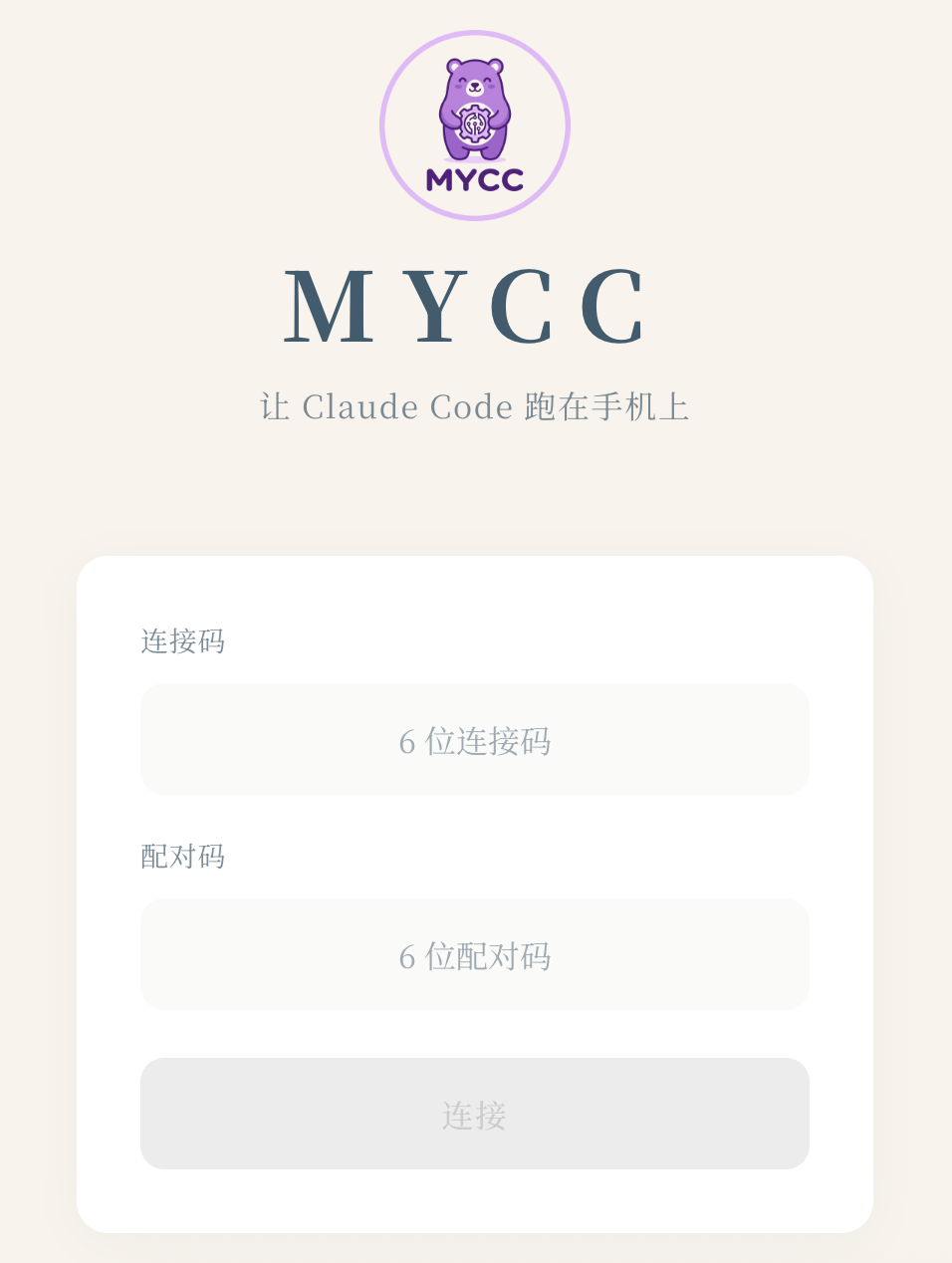
Stay tuned.
# 1. Install dependencies (first time)
cd .claude/skills/mycc/scripts && npm install && cd -

# 2. Start (in project root directory)
/mycc

# 3. Scan QR code or visit the displayed URL
Platform Support:
- ✅ macOS
- ✅ Linux
- ❌ Windows (not supported yet, use WSL)
Windows users: You can ask AI to help adapt the code in
.claude/skills/mycc/scripts/
Dependencies:
- cloudflared:
brew install cloudflare/cloudflare/cloudflared
Q: Hooks not working?
A: Run /setup first, then restart Claude Code (close and reopen). Hooks only load at startup.
Q: How to make CC remember more?
A: Write to 0-System/about-me/.
Q: How to customize CC's personality?
A: Edit the style definitions in CLAUDE.md.
Claude Code is powerful, but needs configuration to reach its full potential.
This template open-sources the best practices accumulated from real usage, so you don't have to start from scratch.
For:
- Developers who want AI-assisted work/life
- People who want CC as a "partner" not just a "tool"
- Those interested in personal productivity systems
Issues and PRs are welcome!
MIT
MyCC - Make Claude Code your partner, not just a tool.
